
Restaurant Delivery Robots
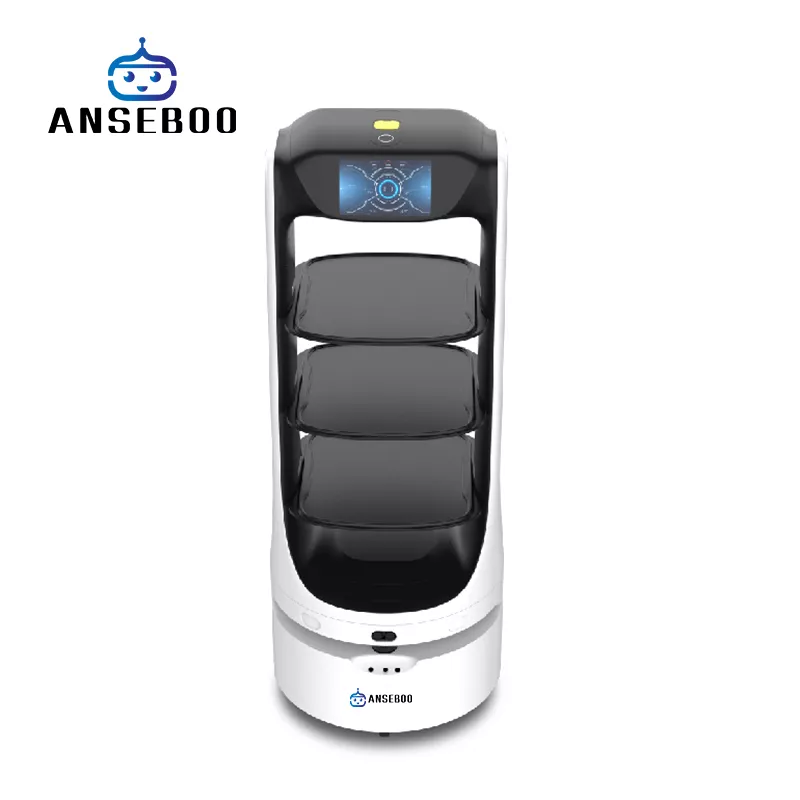
Carry plates, trays and dirty dishes between the kitchen pass and the table so servers can stay with guests. The models below hold three or four trays at once, run 10–12 hours per charge and find their way through a dining room with laser navigation.
How it works
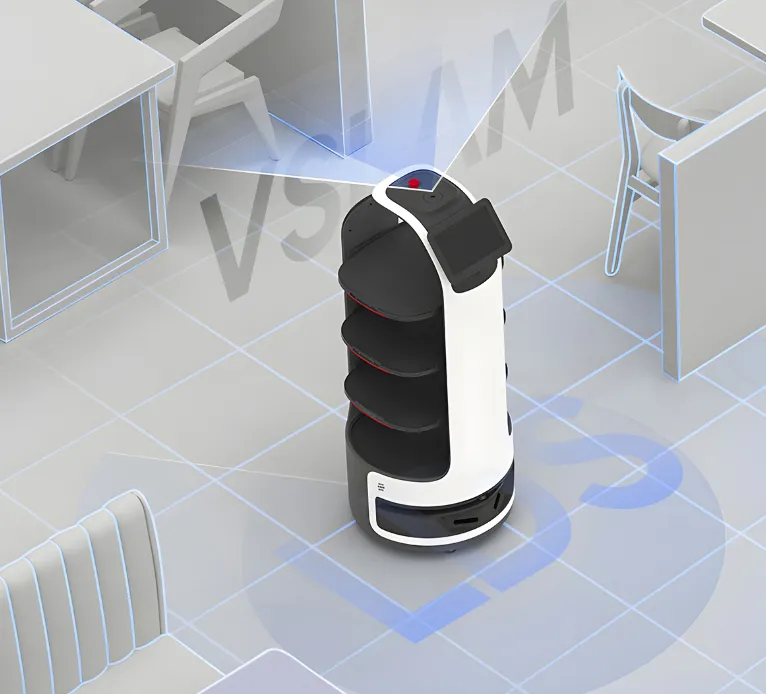
Map the floor once
A technician walks the robot through the dining room once; it stores the map and the docking position.
Assign tables and trays
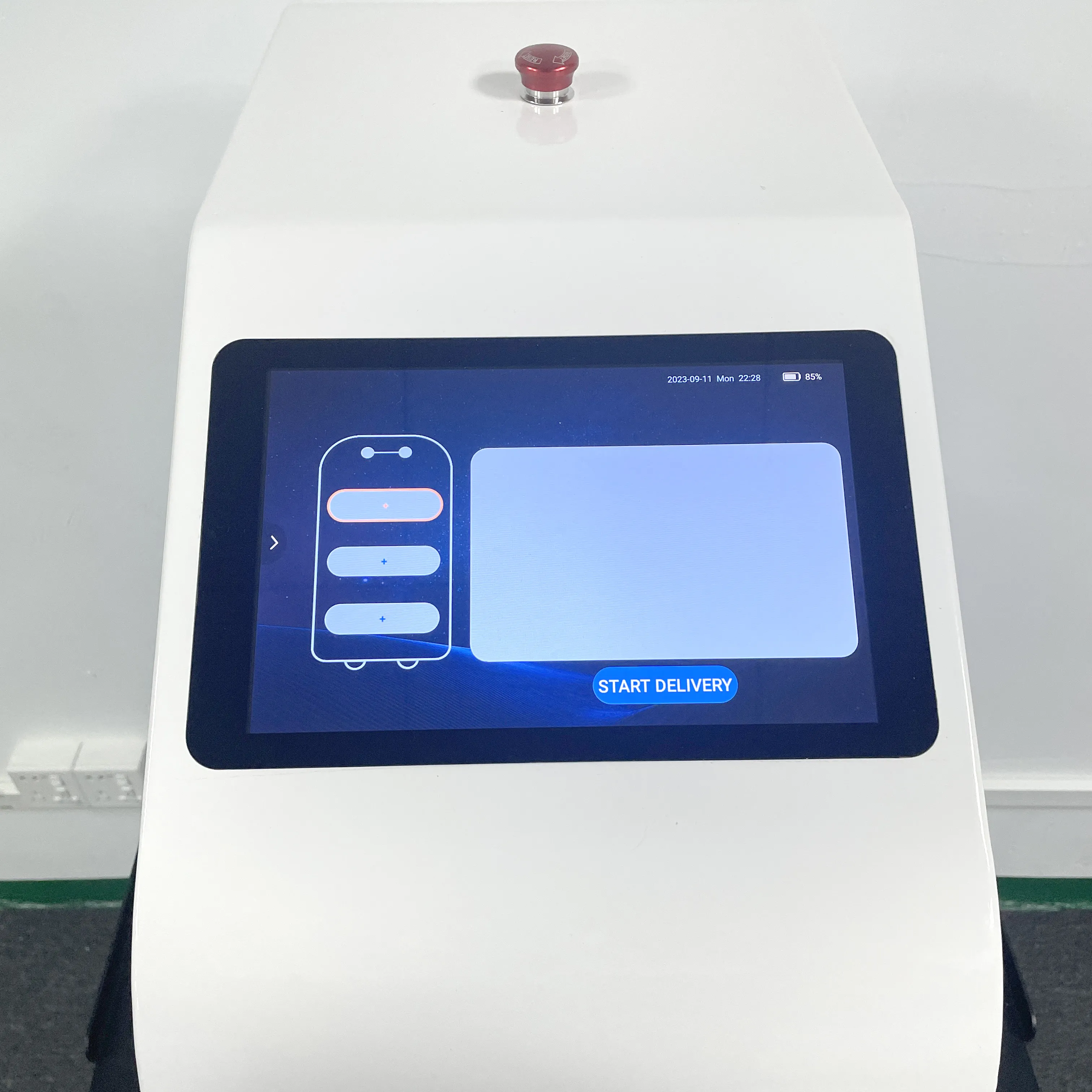
Staff send the robot to a table from its screen, a call button or your POS integration — no scripting required.
Recharge between services
The robot returns to its dock on its own; CA01 and CA02 need 2–4 hours for a full charge, FD05 and AS07 recharge automatically.
Recommended models
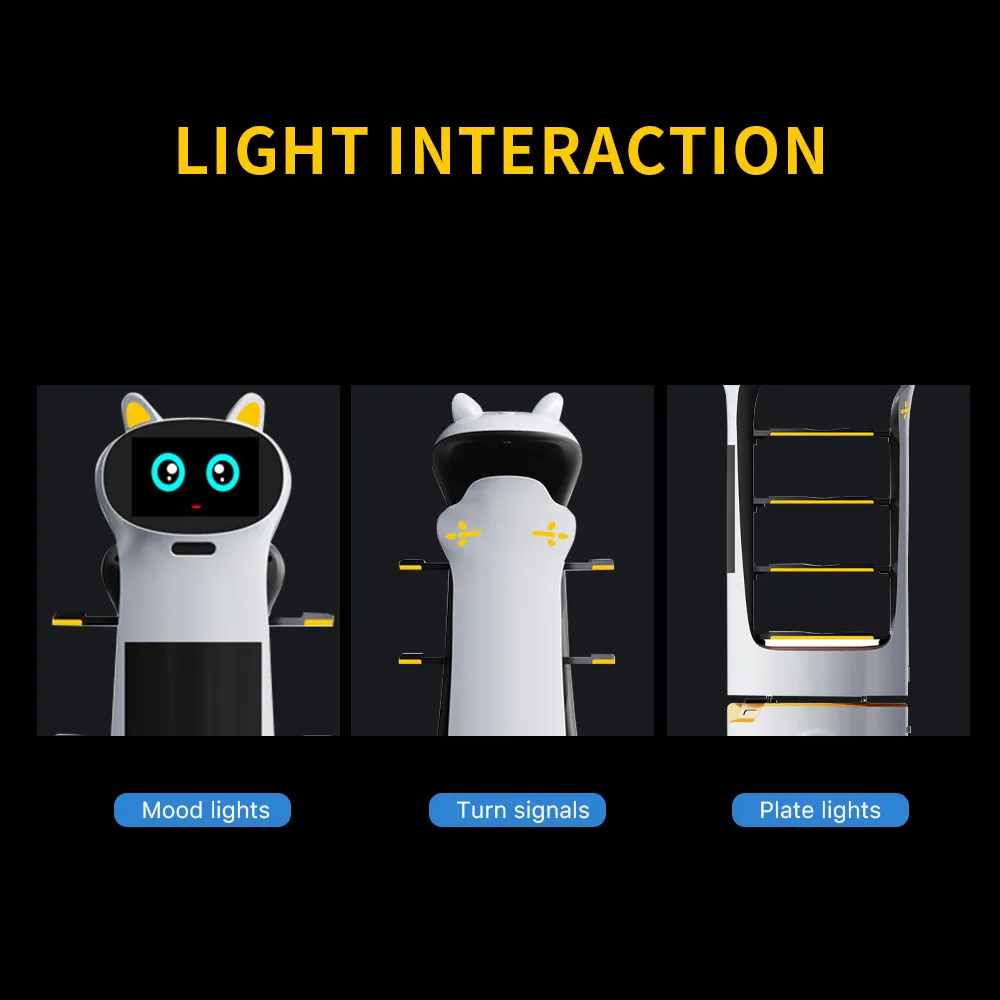
Three- and four-tray models for indoor dining rooms, with 7–10.1 inch screens and detachable trays.
What to check before you buy
Tray count and size — three or four trays of 320×400 to 500×450 mm decide how many covers one trip serves.
Floor plan — laser navigation handles chairs and narrow aisles; check the 254 mm swing radius of CA02 against your gangways.
Integration — open SDK/API and call buttons let the robot queue orders from your POS or pager system.
Frequently asked questions
How many trays does a restaurant robot carry?+
CA01 and CA02 take three trays (320×400 mm and 500×450 mm); FD05 and FD09 take four, with a 15 kg limit per trip.
Does it need magnetic strips or tracks?+
No. These models build a map with 25 m laser navigation and avoid obstacles on their own, so nothing is installed in your floor.
How long does a charge last during service?+
About 10 hours for CA01, CA02, AS07 and FD05, and 10–12 hours for FD09. Charging takes 2–4 hours depending on the model.
Related pages
Send us your workflow
Describe the space, the task and the volume — we'll recommend the optimum robot setup and a deployment plan.