1. Start with what one trip has to carry
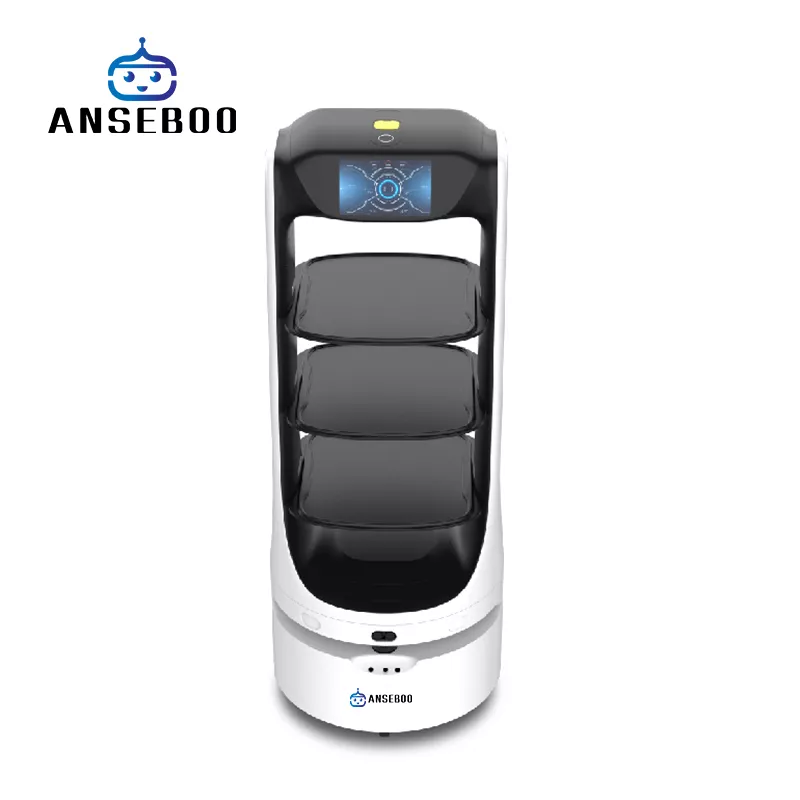
Tray count and tray size decide the number of covers one trip can serve, and they are not interchangeable. Three trays of 320 × 400 mm (CA01) carry a different meal pattern from three trays of 500 × 450 mm (CA02), and four-tray models such as FD05 and FD09 add capacity at the cost of a wider footprint.
Payload limits sit on top of that: the FD series carries up to 15 kg per trip, so a tray of heavy ceramic bowls counts differently from a tray of pastries. Write down the heaviest tray your kitchen actually sends, then compare it with the model limit.
Detachable trays matter more than they look. They let staff load the robot away from the pass and swap a full set during service, which is where most time savings come from.
2. Match runtime to a service, not to a day
A 10-hour battery is not a 10-hour service: the robot moves, stops, waits at tables and returns to the dock. Plan for a full lunch or dinner service on one charge, then check whether the model supports automatic recharging during the break.
CA01 and CA02 need 2–4 hours for a full charge, while FD05 and AS07 reconnect to their dock automatically. If your venue runs two services back to back, an automatic dock is worth more than an extra hour of headline runtime.
3. Check the floor before the spec sheet
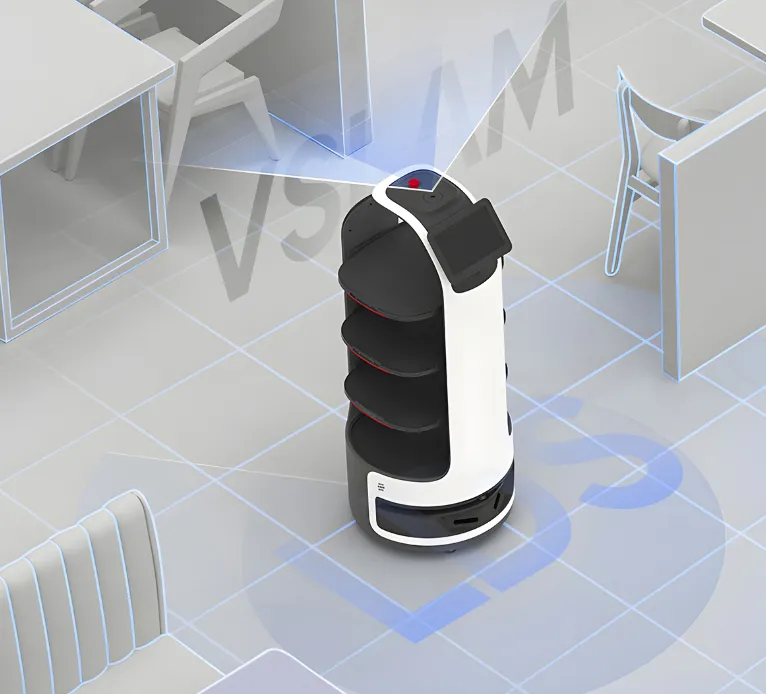
Laser navigation handles chairs and guests, but the physical envelope decides which aisles are usable. CA02 turns inside a 254 mm radius; check that against the narrowest gap between a table and the bar, including the space a guest leaves when seated.
Ramps and thresholds are the second check: a 5° slope is common at doorways and patios, and the robot has to hold a full tray on it. Ask for the climbing angle in the spec table rather than assuming it is flat.
4. Decide how orders reach the robot
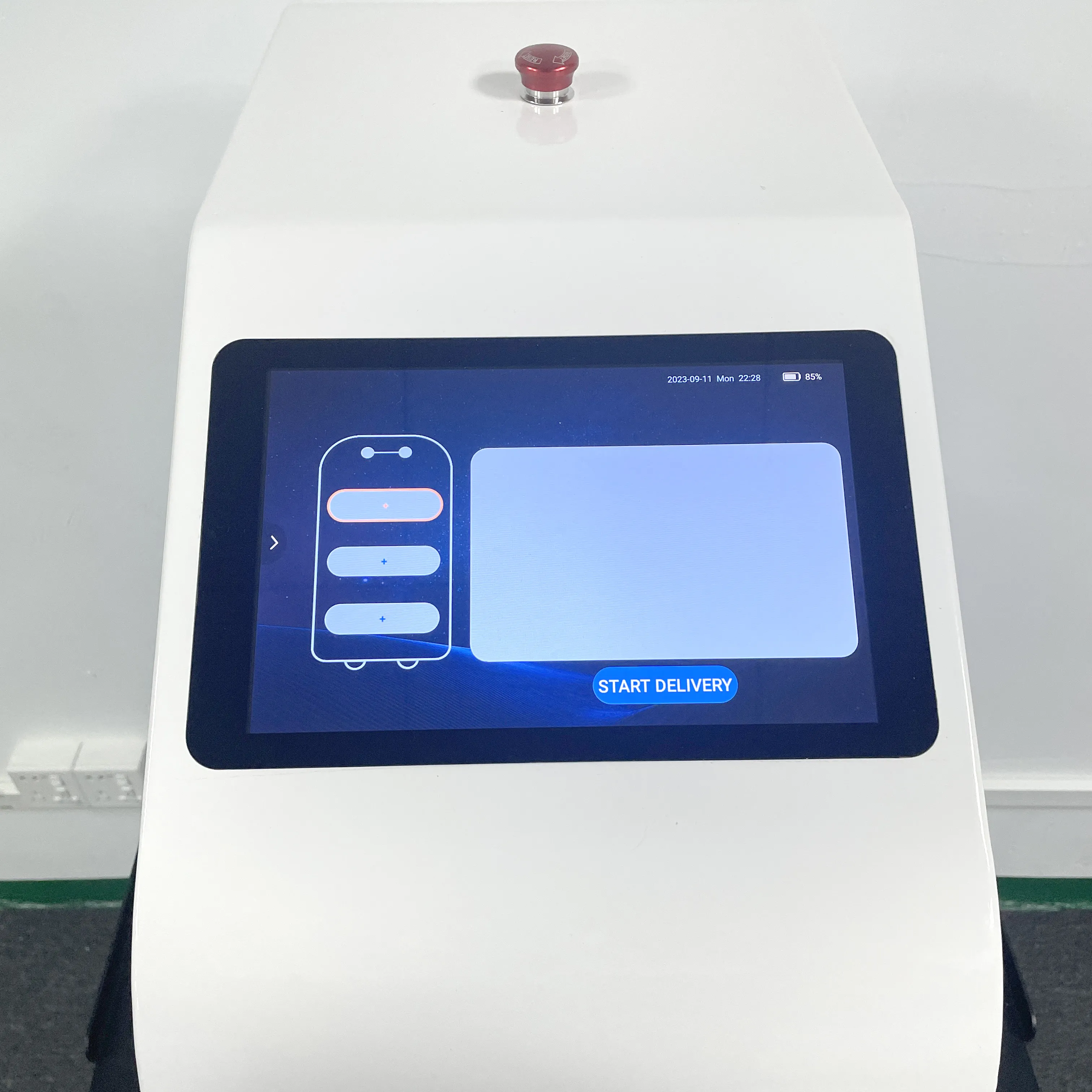
Three integration levels are common: a call button at the pass, the robot’s own screen, or a POS/API integration that queues tasks automatically. The first works on day one; the last saves the most steps but needs your POS vendor to expose an interface.
An open SDK / API keeps the third option available later even if you start with buttons, so it is worth confirming in writing which interfaces the model exposes.
5. Plan the elevator and the door before you buy
If the robot has to leave the ground floor, it needs a controller that talks to the elevator and, usually, the door of the floor. AS10 drives both; the rest of the delivery range is single-floor.
Ask the building manager which elevator controller is installed before ordering — this is the single requirement that most often delays a hotel deployment.
下單前確認
- Count trays and measure the largest tray your kitchen sends (two sizes are common: 320×400 mm and 500×450 mm).
- Measure the narrowest aisle and the swing radius the model needs (254 mm for CA02).
- Confirm one full service fits in one charge, and whether charging is manual or automatic (2–4 hours typical).
- Decide the order channel: button, screen, or POS/API — and confirm the model exposes an open SDK / API.
- If deliveries cross floors, confirm the elevator and door controllers before ordering.